> For the complete documentation index, see [llms.txt](https://docs.aurora.net.pe/llms.txt). Markdown versions of documentation pages are available by appending `.md` to page URLs; this page is available as [Markdown](https://docs.aurora.net.pe/inicio/sucursales.md).
# Sucursales
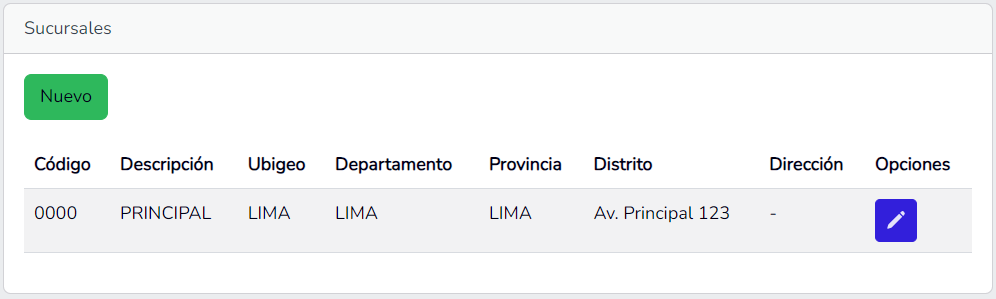
En la opción Sucursales puede gestionar las sucursales de su empresa.
## Ver sucursales
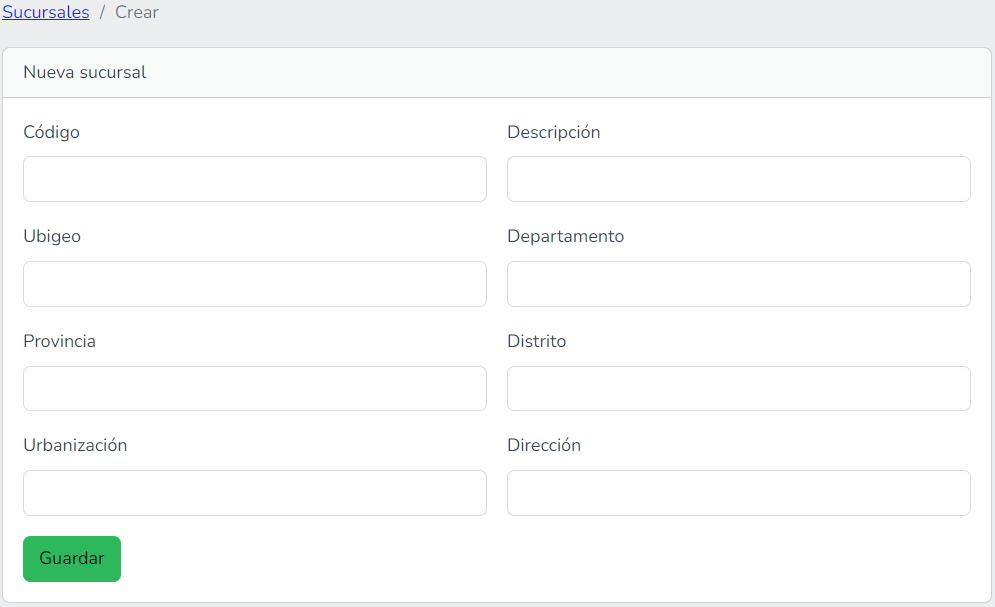
## Agregar sucursal
Puede agregar una nueva sucursal haciendo clic en el botón `Nuevo` desde la página principal de sucursales.
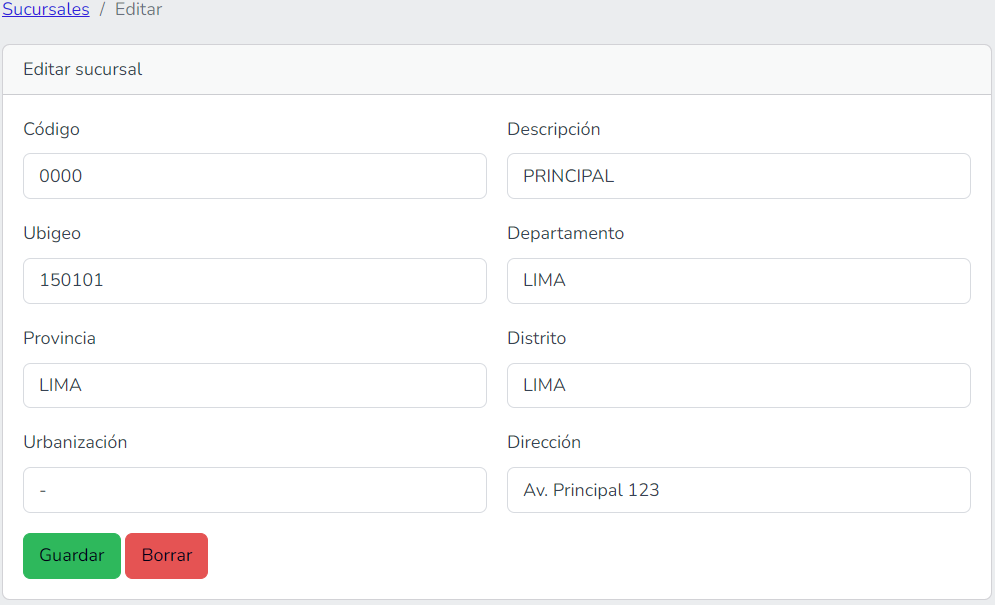
## Editar sucursal
Puede editar una sucursal haciendo clic en el botón  desde la página principal de sucursales.
## Eliminar sucursal
Puede eliminar una sucursal haciendo clic en el botón Borrar. Deberá completar la confirmación de borrado.
Solo puede eliminar una sucursal si no tiene series o usuarios vinculados.